

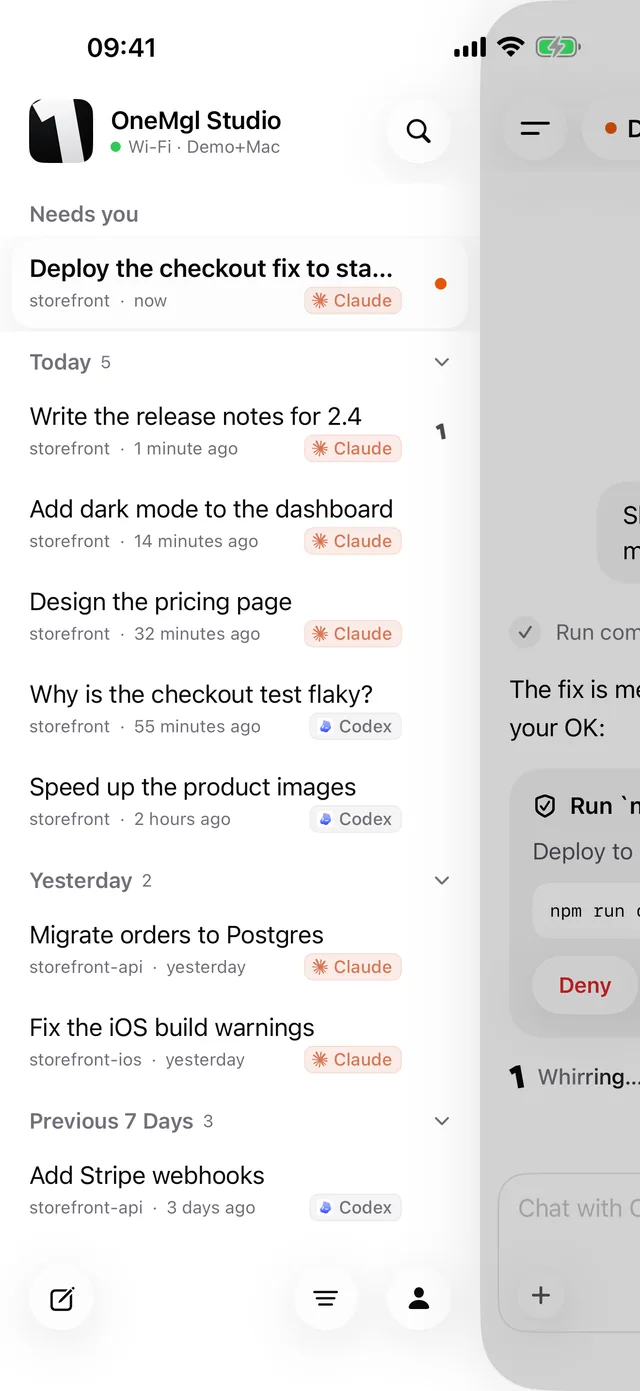
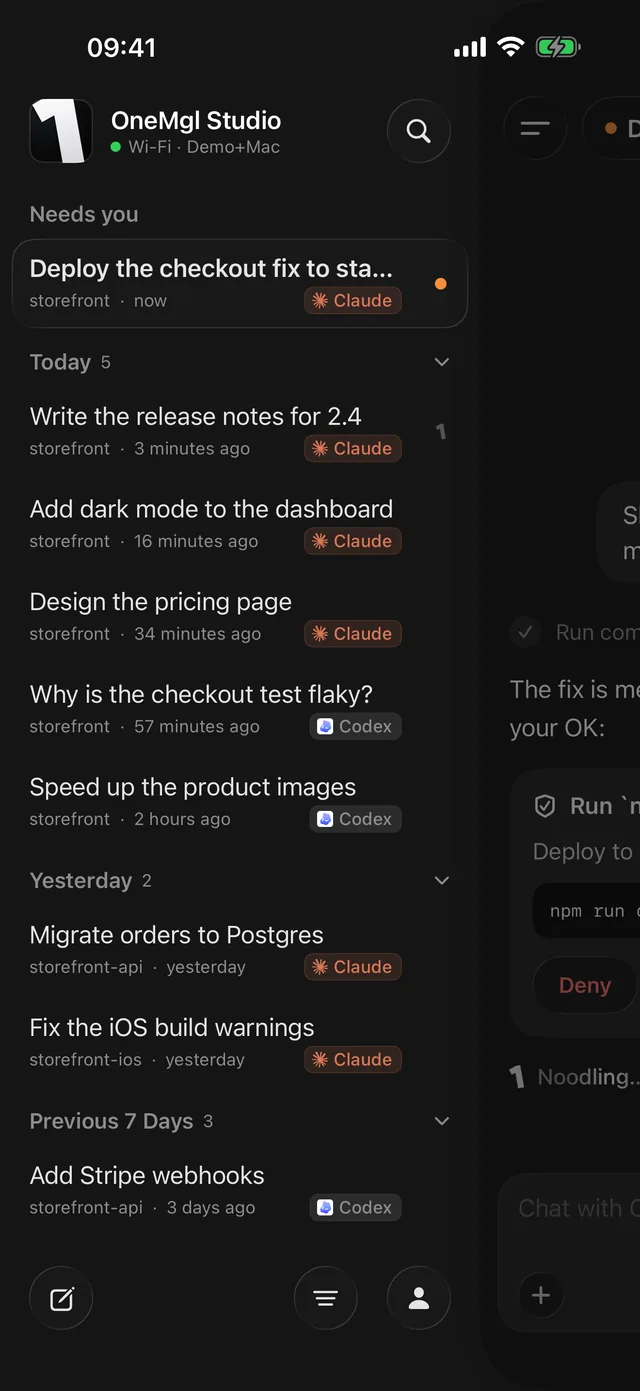
Your agents, in your pocket.
Follow every session on your computer, answer questions and approve changes from anywhere. Pairs with Studio in one scan.
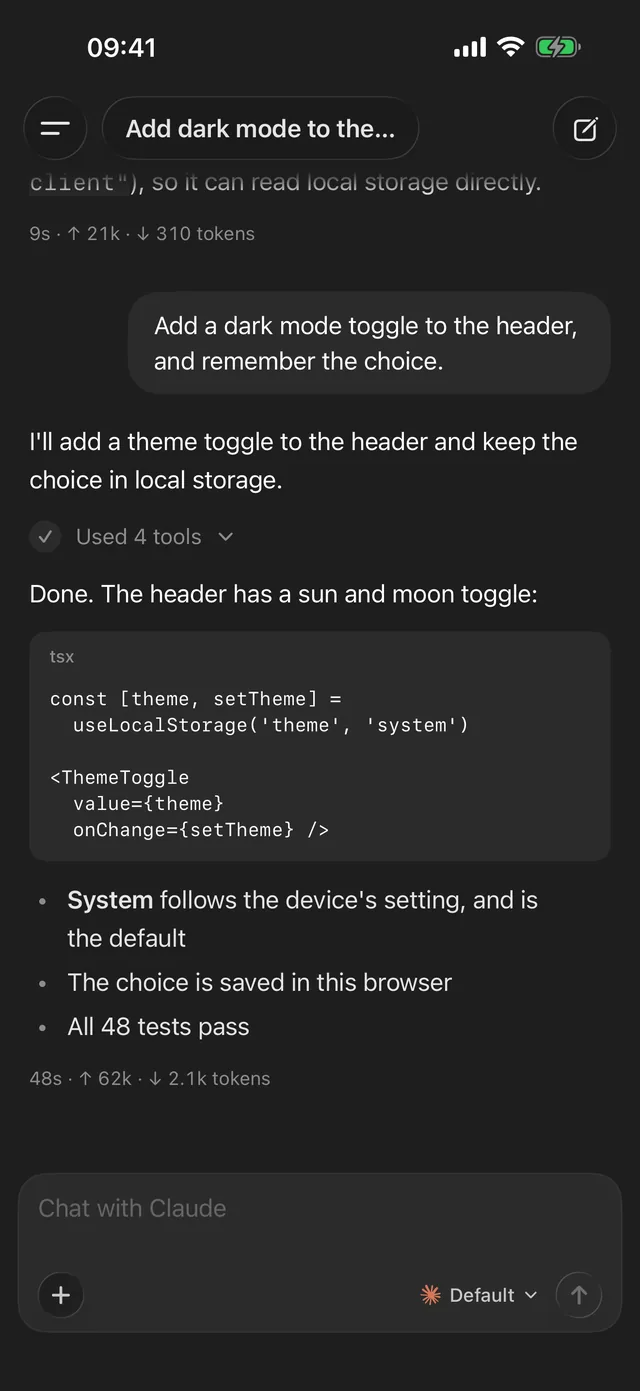
The work doesn't stop when you step away.
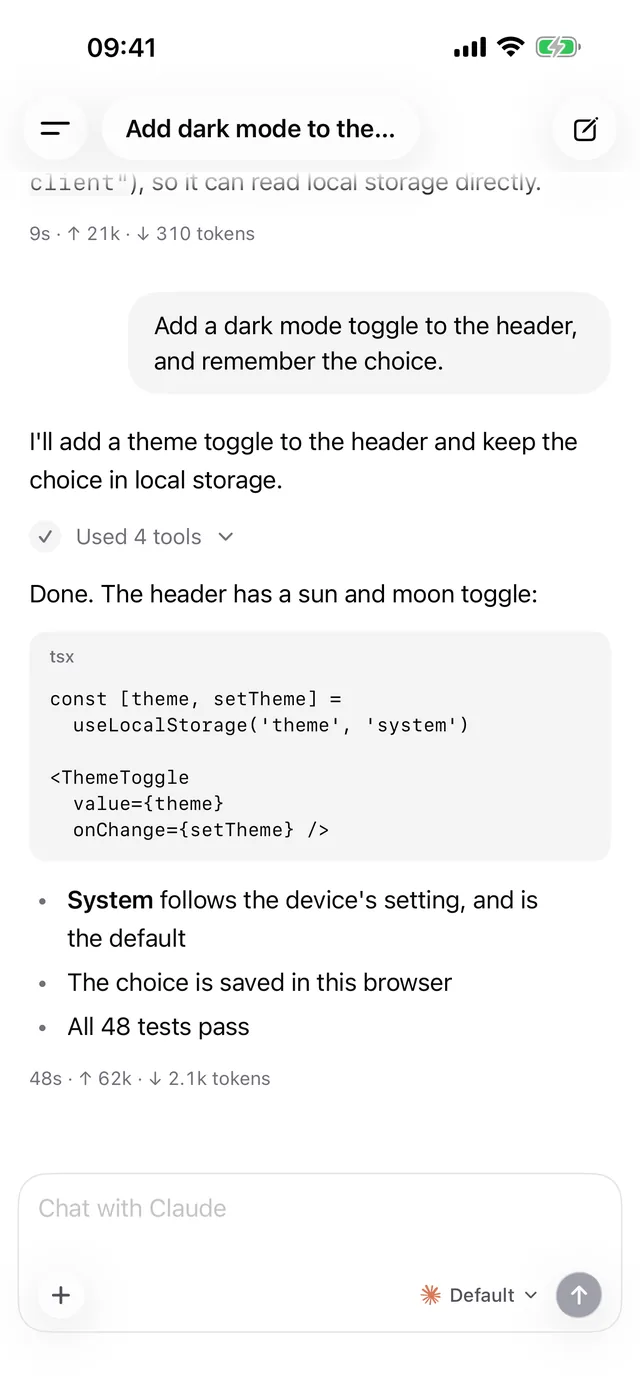
Every session, live
Sessions, chats and answers stream from your computer as they happen.
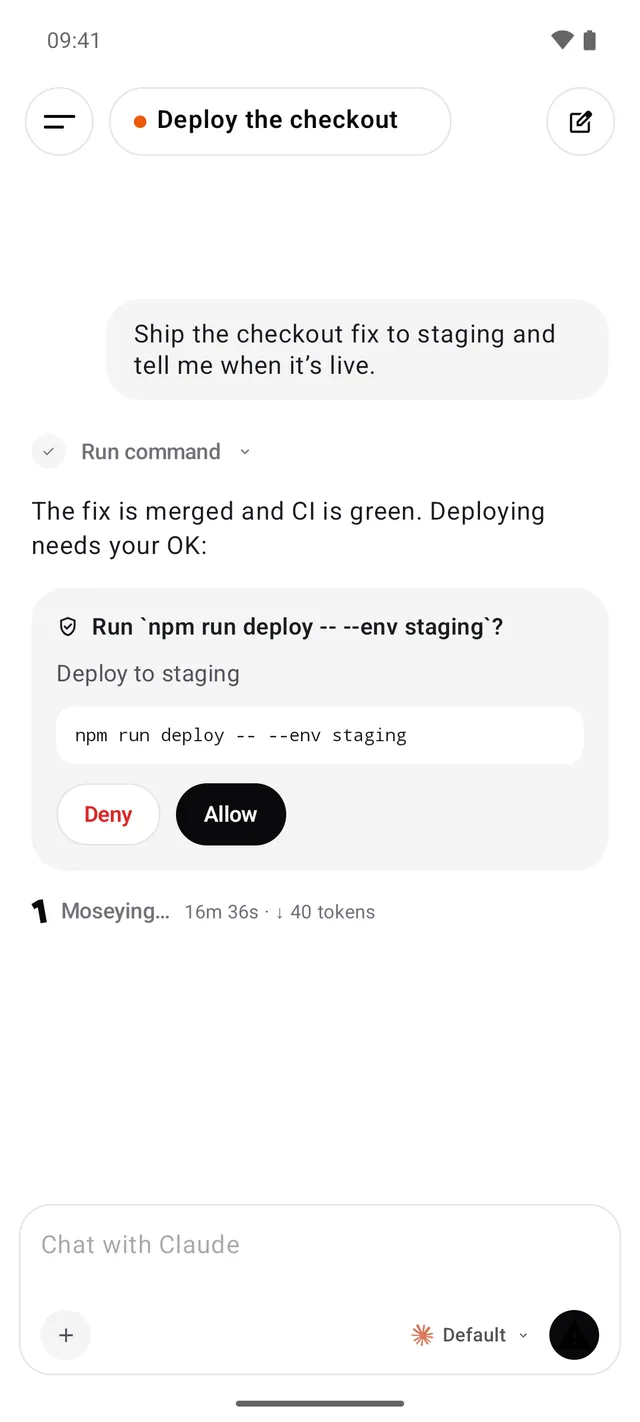
Answer and approve
Allow a command, deny an edit or answer a question, and the agent carries on.
Notifications
Know when an agent needs you, finishes or fails, even with the app closed.
Talk to your agents
Voice Conversation, hands-free.
Canvas, video and browser
Open a chat's design, video and page right on your phone.
Encrypted end to end
Wi-Fi when you're near, our relay when you're away. Only your devices hold the key.
Set up in a minute.
Install Studio
Download OneMgl Studio on your Mac.
Install the app
Get the OneMgl Studio app on your iPhone or Android phone.
Scan the code
Scan the QR code in Studio's Settings → Phone, on either phone. That's it.
Get the app
The phone apps connect to OneMgl Studio on a Mac.
Android
Android 9+ · Installed directly, not from Google Play: your browser will ask to allow installing apps.